

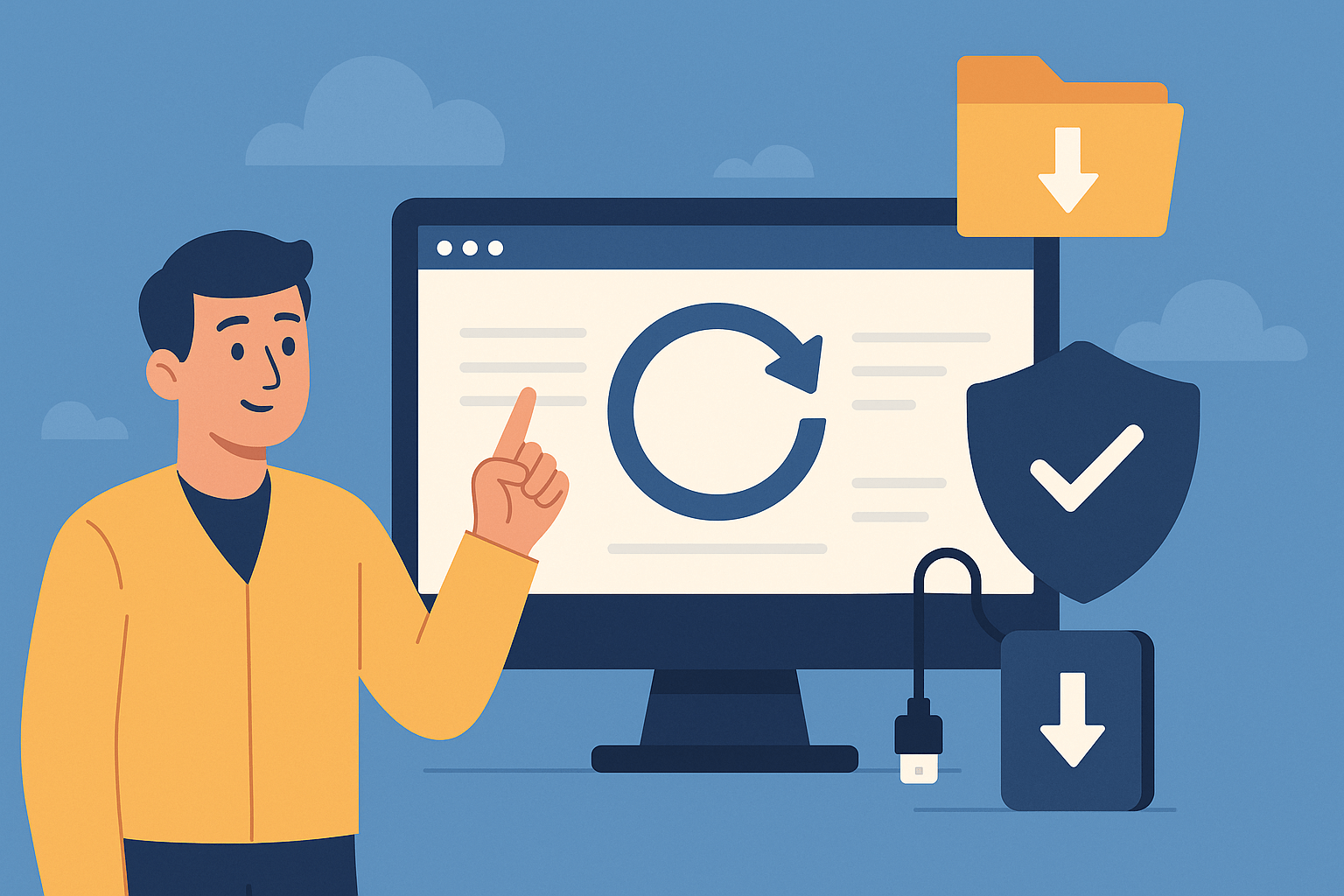
Hello, I am the owner of Connect Dorset, and if you are reading this, chances are you understand the value of a vibrant online presence. You have likely invested valuable time and money into your website, SEO, and maybe even a tailored booking system – but have you ever considered what might happen if it all suddenly vanished? Today, let's talk about a crucial but frequently overlooked aspect of website management: backups.
Why Website Backups Matter Now More Than Ever
In an increasingly digital-first landscape, your website acts as your primary storefront, operations hub and, for many businesses, a key revenue driver. Yet, cyber threats, accidental deletions, plugin mishaps, and hosting failures are risks no business can afford to ignore. According to global data, cyberattacks on small and medium businesses have risen dramatically, with websites being common targets for malware, hacking and data corruption.
A robust backup strategy might not sound cutting-edge, but it is the silent guardian of your digital assets. In moments of crisis, a comprehensive backup is what stands between a speedy recovery and catastrophic business disruption.
What Exactly Is a Website Backup?
Put simply, a backup is an up-to-date copy of all your website's files, databases, and configurations. While your hosting provider may claim to run some form of backup, relying solely on this can be short-sighted. Not all backup solutions are created equal, and understanding the difference can save you days – or weeks – of frustration.
There are several approaches:
- Manual Backups using FTP and database exports
- Automated Backups offered by your web host (daily, weekly, or on-demand)
- Offsite Backups stored in a trusted, separate location for maximum redundancy
At Connect Dorset, we believe automated, redundant solutions are best, so that in the event of server failure, malware, or a broken plugin update, you are ready to bounce back without costly downtime.
Real-World Scenarios Where Backups Save the Day
Let me share some practical instances from our experience at Connect Dorset:
1. The Crash After a Plugin Update
A local retail website running on WordPress recently updated a plugin, only to find the site unresponsive. With a recent full backup, we restored them to normal within an hour – no lost orders, no stressed customers.
2. Ransomware Attacks
Ecommerce businesses are increasingly targeted by cybercriminals. A secure, isolated backup allowed one shop owner to restore their entire Shopify-managed site after an attempted breach, avoiding hefty ransom demands.
3. Accidental Content Deletion
Mistakes happen – a seasonal edit led to the accidental deletion of a booking system’s database table. Because the site was regularly backed up, we restored their bookings and, more importantly, their customer trust.
How Frequently Should You Backup?
The frequency depends on your website's activity:
- Static brochure sites: Weekly or bi-weekly may be enough.
- Active ecommerce, booking systems and blogs: Daily backups are critical.
- Major updates or new features: Always perform a manual backup first.
Best Practices for Backup Success
Automate Whenever Possible
Set up scheduled backups and check their logs. Manual backups are important for extra security during big changes, but automation ensures consistency.Store Backups Offsite
Always keep at least one backup copy in a separate location, such as a cloud storage solution or another server.Test Your Backups
A backup is only as good as its ability to restore your site. Schedule regular restore tests to verify your backup integrity.Secure Your Backups
Encrypt and protect your backups with strong passwords. A backup should never become another weak point in your overall security posture.
Integrating Backups with Hosting, Booking, and Ecommerce
If your website uses a booking system, handles online orders or takes regular content updates, backups need to be reliable, speedy, and easily restorable. At Connect Dorset, our approach is holistic – integrating backups into the fabric of web hosting and management, whether your website is built on WordPress, Shopify, or custom JavaScript solutions.
Ready To Protect Your Digital Investment?
Backups are one of those things that only get the attention they deserve after disaster strikes. Don’t wait for the unthinkable; integrating backup solutions should be as high a priority as SEO or web design itself.
If you would like to discuss how to safeguard your website or need advice on implementing a backup and recovery strategy tailored to your Dorset business, please get in touch with us. We are always happy to help keep your digital presence safe, secure and resilient.
Stay proactive,
Connect Dorset